Keep the Rhythm
Motivating people to write consistently
Overview
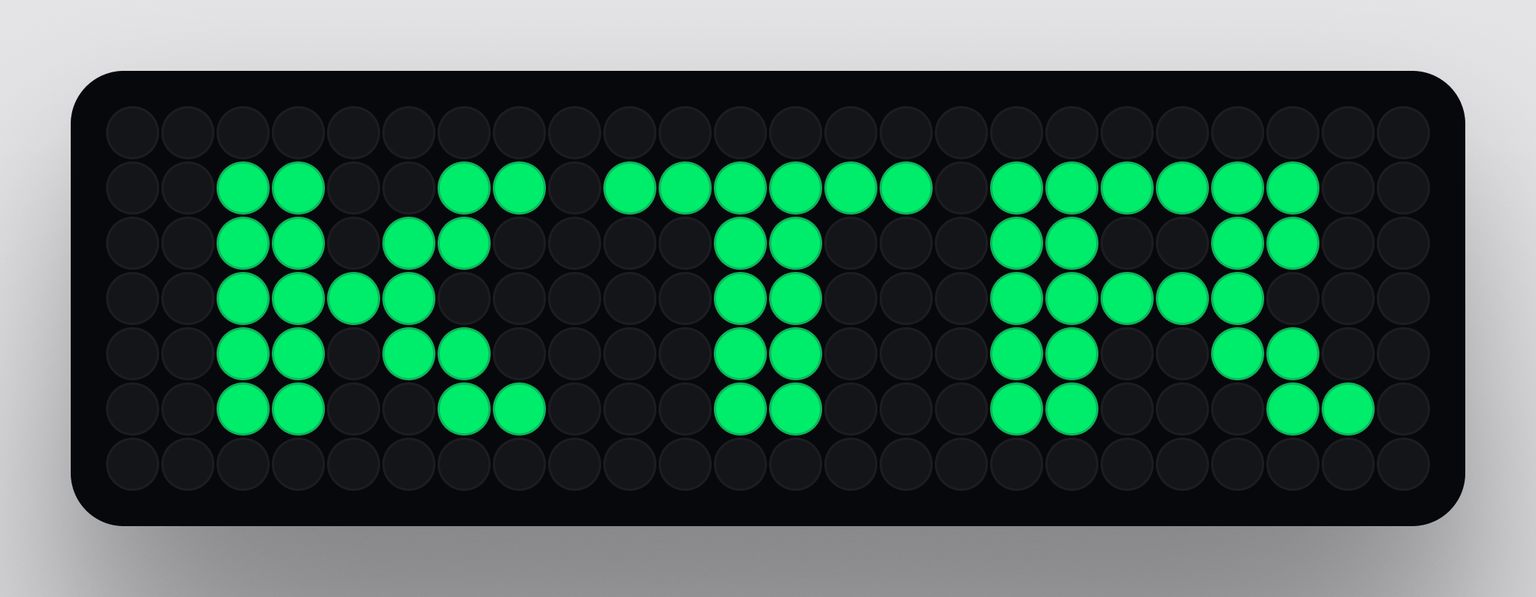
Keep the Rhythm (KTR) is an Obsidian plugin that helps users maintain a consistent writing practice. With +24,000 downloads, KTR has found success among both professional and hobbyist writers, and especially with those who (like me) are able to make more sense of the world through typing words into a computer.
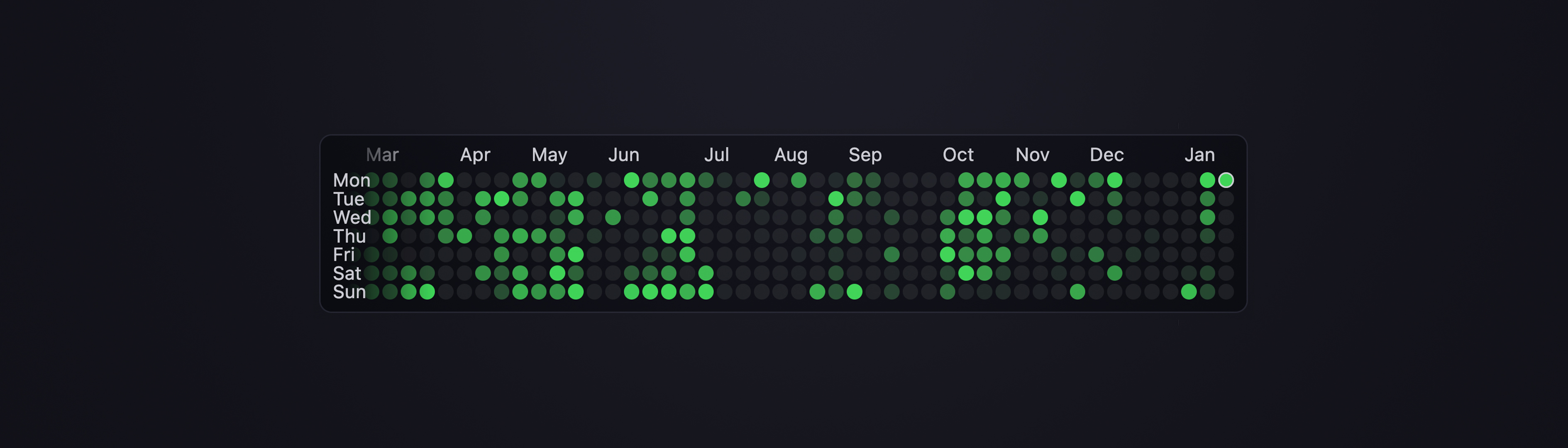
By locally tracking file changes and displaying a historical overview of your progress, KTR offers users motivation to keep consistently working on their projects. The data is mainly shown through a heatmap, but key data points (weekly, monthly, yearly stats) are also easily available, as well as complex queries for specific date ranges or file paths. The components were carefully designed to help with fast usability while also providing a minimal interface that doesn't intrude on the core experience (writing).
Through working on this project, I learned a lot about how to add safeguards to avoid data loss (losing your progress feels really bad), the experience of deploying something used by thousands of users, and the importance of user feedback and testing in refining a project.
Especially, this project expands my experiments around the idea of using precise interventions to promote critical behavioral change; through well-crafted and thoughtful interaction, a simple design solution can help people be more creative, proactive, and human.
- Check the repository on Github
- Check the project's documentation
- Get the plugin from Obsidian's Plugin Library
The Power of “Numbers Go Up”
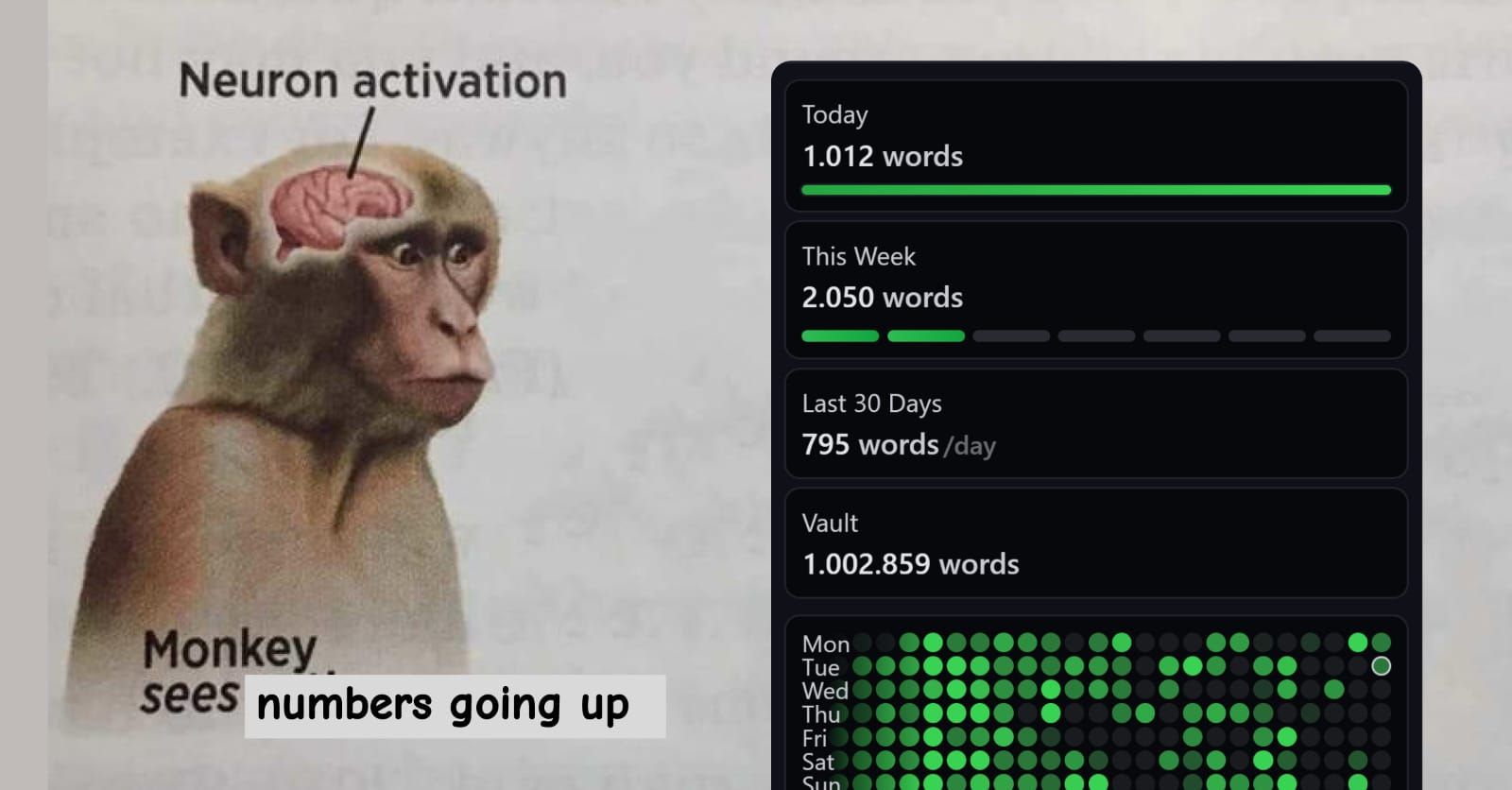
The motivation that comes from maintaining a 'streak' is something used by many platforms, like Duolingo and Github. KTR leverages this same strategy, exploring the feeling of satisfaction that comes from watching numbers increase and progress bars fill.
By making how much a user writes more visually apparent, the plugin incentivizes them to do it more consistently, creating a reinforcing feedback loop. Though quantity is not the ultimate goal, small and reasonable targets allow users to adopt KTR as a source of motivation that helps them show up every day.
Features
Heatmap
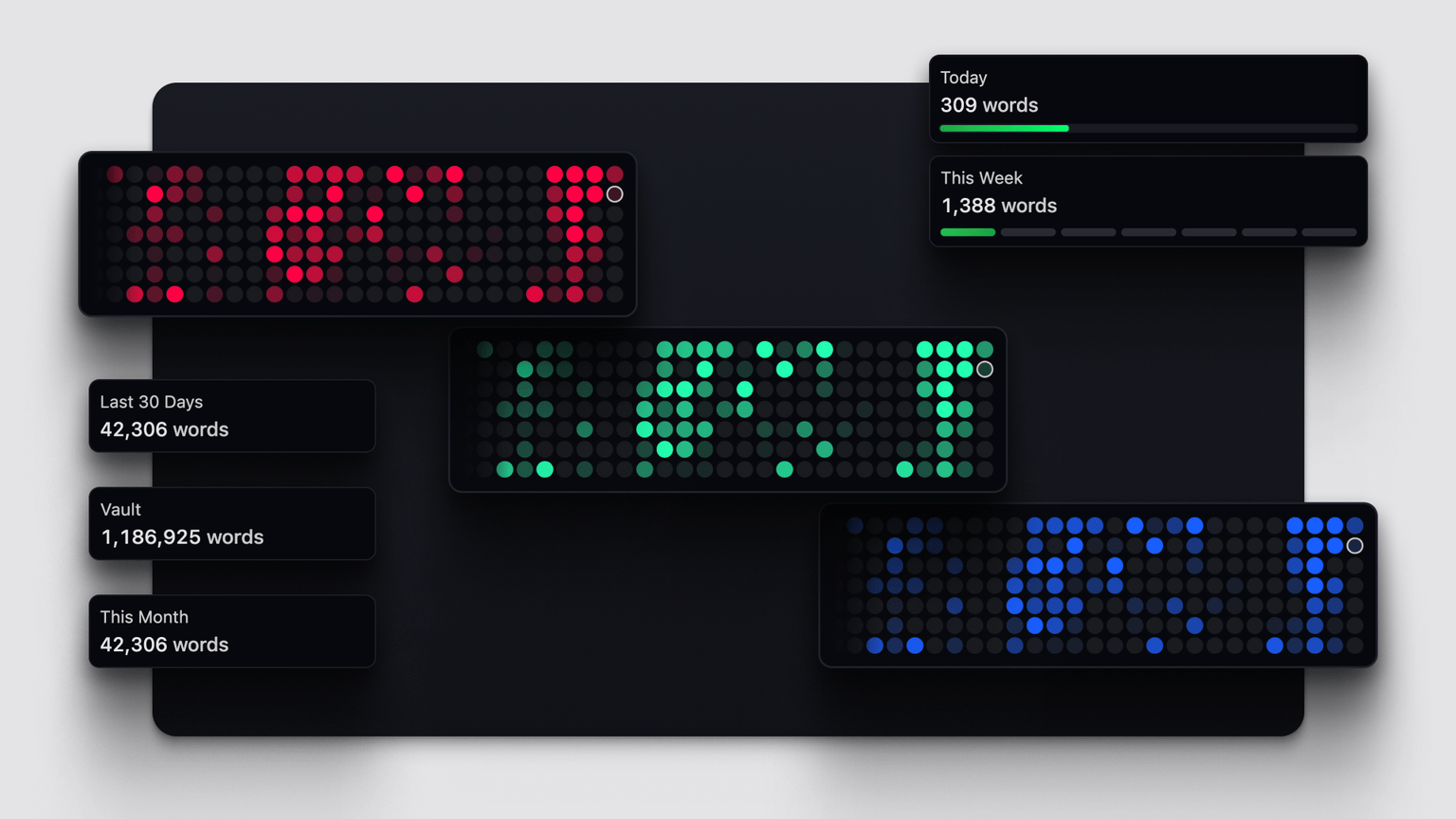
The choice of using a heatmap is heavily inspired by Github's approach. Since many in the Obsidian community are familiar with the platform, this data visualization strategy offers a recognizable interface. Beyond familiarity, extensive customization options are available, from cell colors to shapes and progressive fill effects.
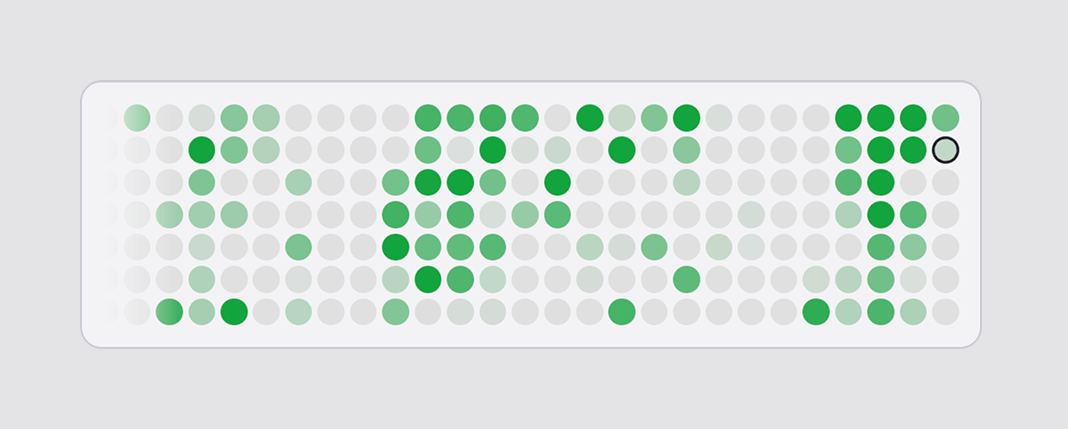
This component has been one of the main eye-catching features of the plugin, with many users citing it as a key motivation to explore the solution and integrate it into their Obsidian workspace.
Slots
Different data points are available through Slots, instantiable components that allow users to easily customize their interface with common queries, like vault-wide word counts, and time-based queries for weekly, monthly, and yearly progress.

Current Values: dynamic queries calculated based on current context.
CURRENT_FILE
CURRENT_DAY
CURRENT_WEEK
CURRENT_MONTH
CURRENT_YEAR
CURRENT_STREAK
WHOLE_VAULT
Last Values: calculated based on discrete ranges (24h, 7d, 30d, 365d).
LAST_DAY
LAST_WEEK
LAST_MONTH
LAST_YEAR
Entries
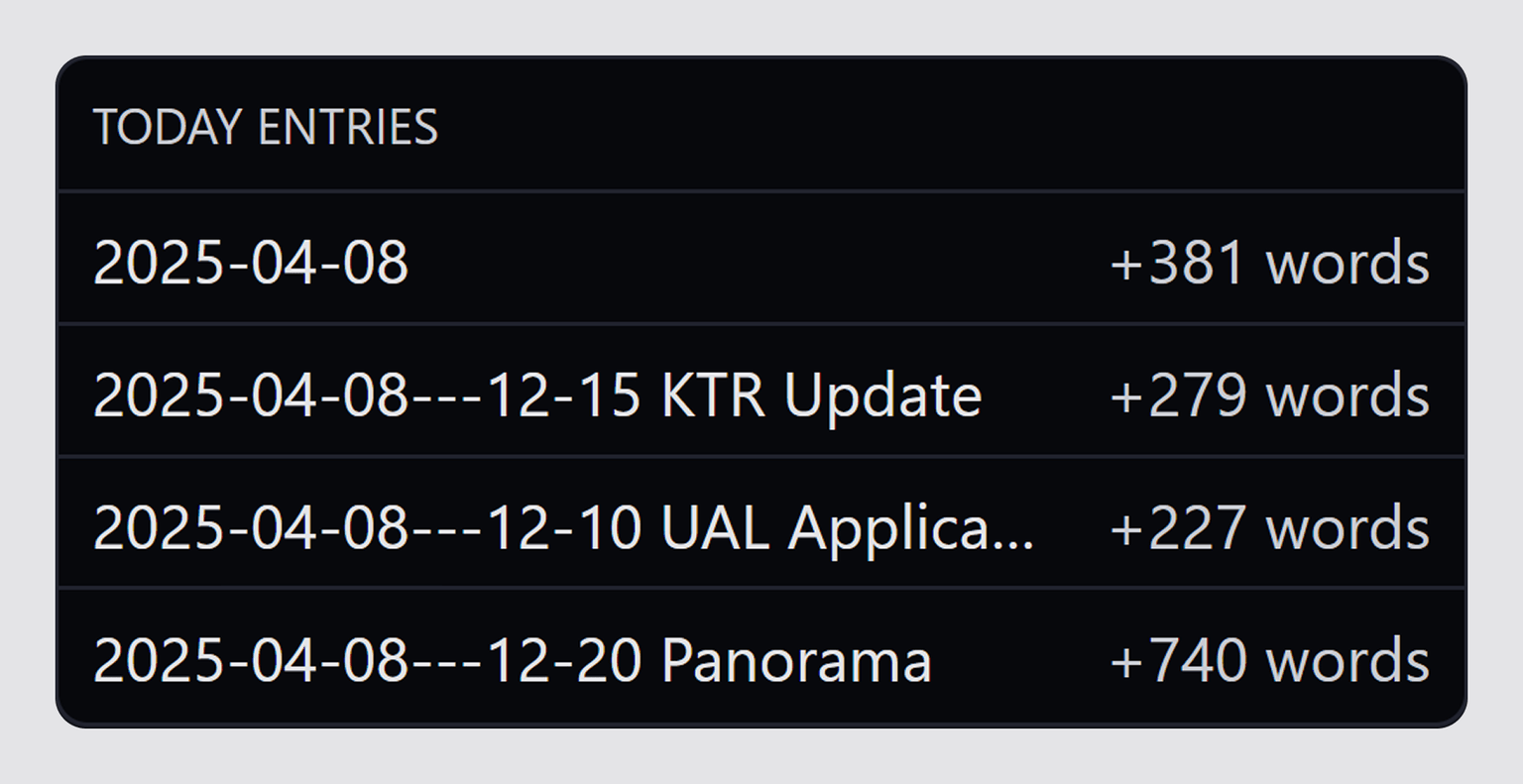
The Entries component displays which files were modified and how many words or characters were added. Users can also delete unwanted entries to fix any tracking inconsistencies.
Embedded Views
All previous features can also be embedded and customized within any markdown note, allowing users to tailor their setup to be more contextually relevant, such as showing entries for a specific day or a heatmap of changes in a specific folder.
The commands were designed with simplicity in mind, prioritizing reasonable defaults while offering a breadth of settings and complex queries that are intuitively accessible.
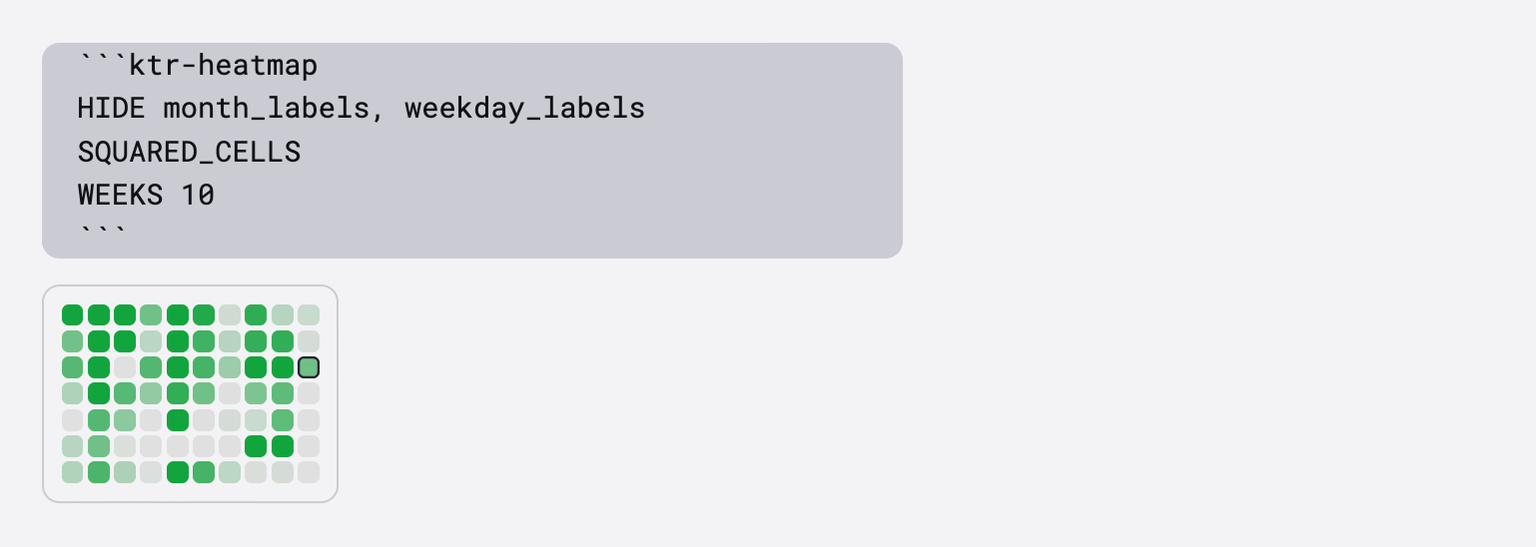 Heatmap embedded inside a note, with custom visual settings
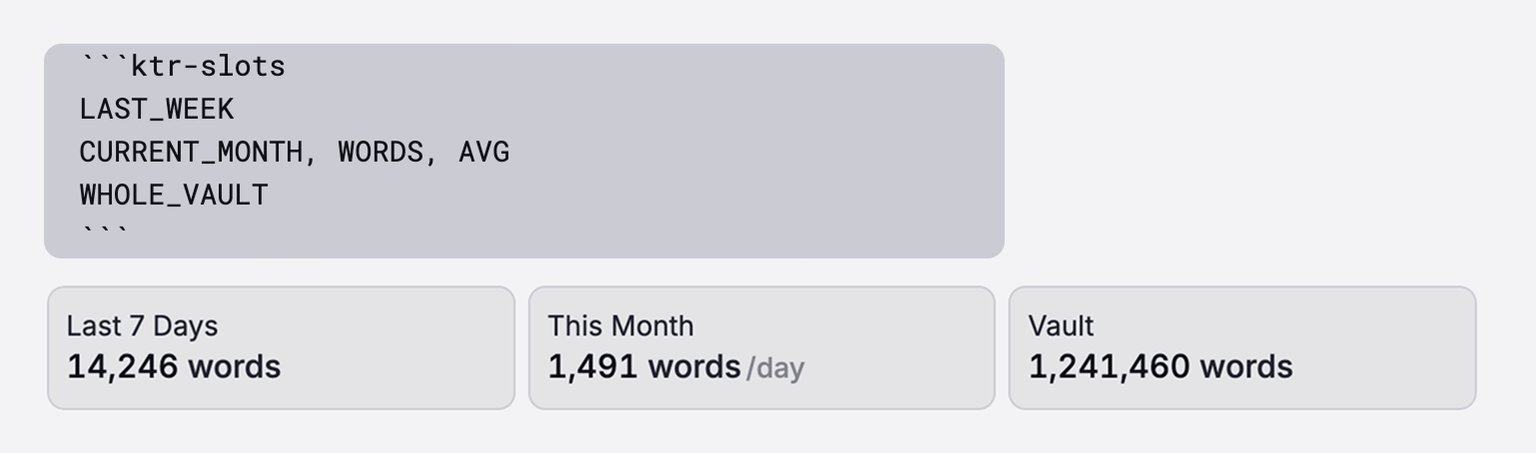 Set of embedded slots, with custom units and average mode
Customization & Settings
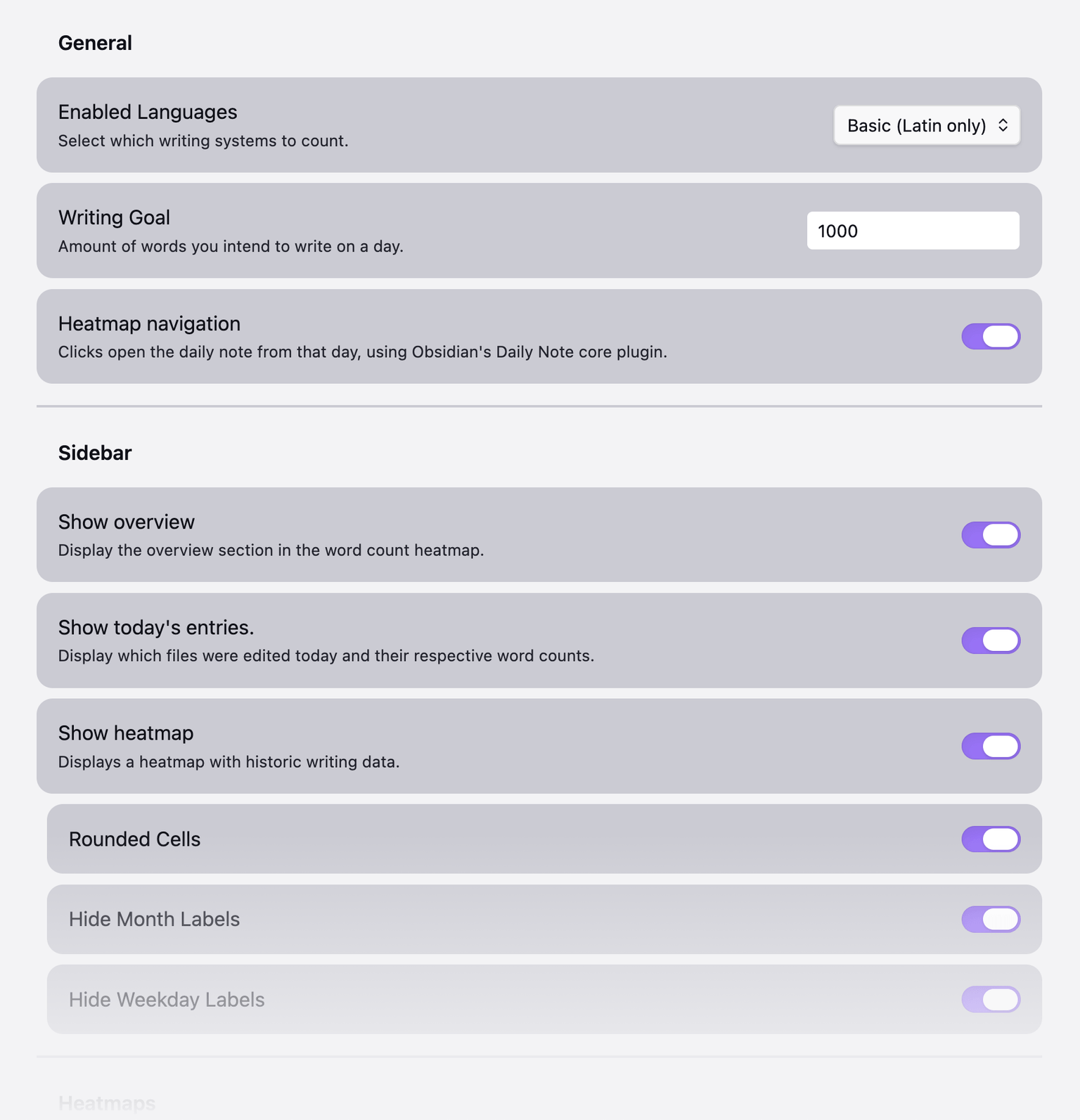
An extensive settings page allows users to expand the REGEX rules used for word counting to include other languages (like CJK support), customize the sidebar components, and set the daily goals that inform their streak.
Other Resources
- Video overview of the plugin (by Mike Schmitz)
- Obsidian plugin page